Safe Practices for Everyday Digital Life

- Description
- Curriculum
- Continue Learning
- Reviews
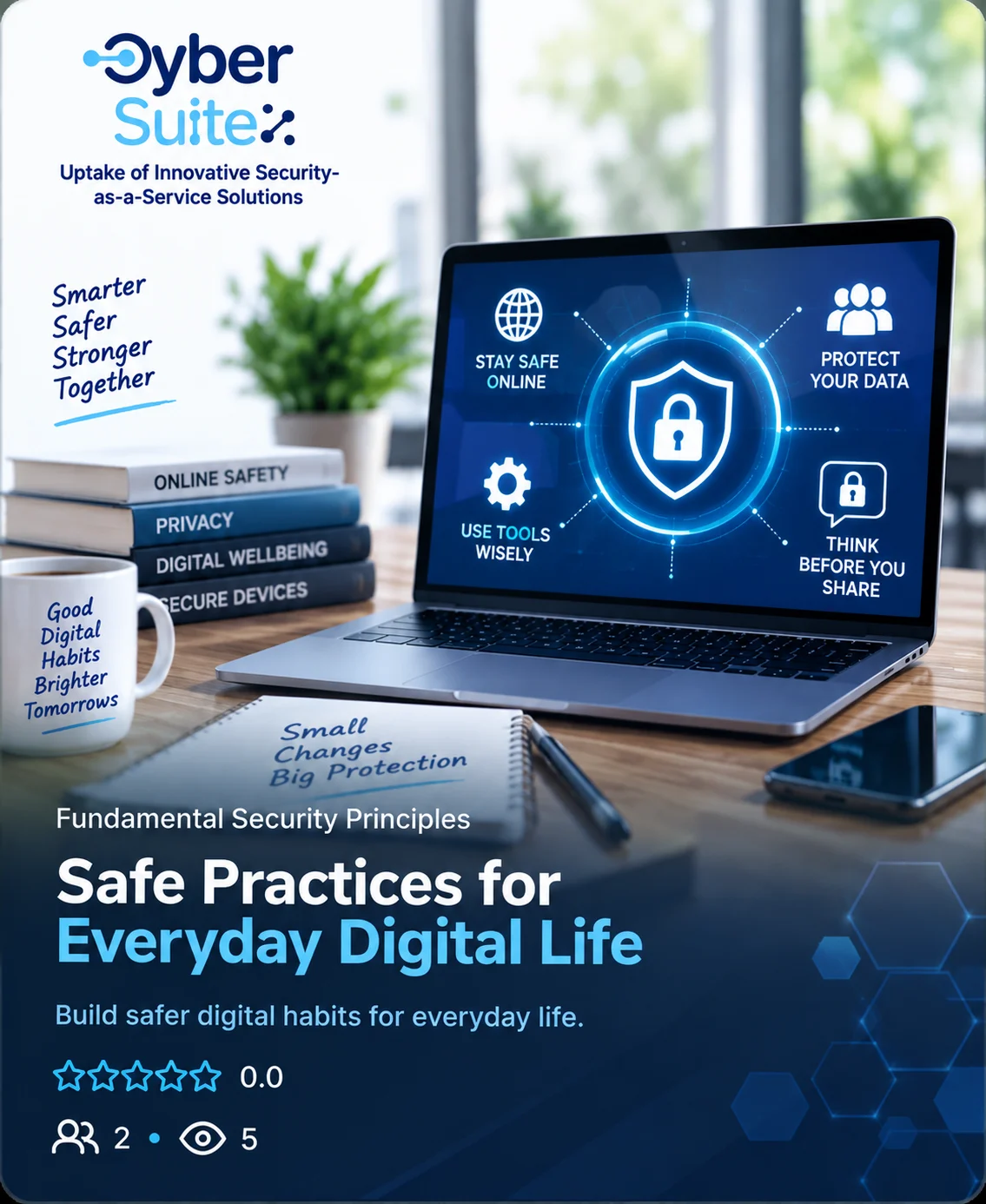
Safe Practices for Everyday Digital Life is a practical, easy-to-follow cybersecurity course designed to help individuals and SME employees stay safer in their everyday digital activities.
Through relatable examples, real-life scenarios and simple security checks, participants learn how to protect their devices, accounts and personal information, recognise common online threats, make safer choices when using digital services, and respond appropriately when something goes wrong.
The course focuses on practical habits rather than technical knowledge, helping learners understand how small everyday actions can significantly reduce digital risks at work and in their personal lives.
By the end of the course, participants will be better equipped to recognise risks, protect their digital identity and data, use online services responsibly, and contribute to a safer digital environment.
Learning Objectives
By the end of the Safe Practices for Everyday Digital Life course, learners will be able to:
- Recognise common cybersecurity threats such as phishing, scams, suspicious messages and social engineering attempts.
- Make safer everyday online choices when browsing websites, opening links, downloading files and communicating online.
- Protect accounts and devices by using strong passwords, multi-factor authentication (MFA), software updates and appropriate security settings.
- Handle business data and files securely, including safe storage, sharing, cloud use, access control and backups.
- Work securely outside the office by using trusted devices, safer Wi-Fi connections, VPNs where required and appropriate mobile-working practices.
- Recognise human-related cybersecurity risks and respond appropriately to suspicious or unusual requests.
- Identify signs of a possible security incident and take appropriate first steps to limit potential damage.
- Report cybersecurity incidents promptly and follow organisational security procedures rather than trying to resolve serious incidents alone.
Overall objective: Help SME employees build practical cybersecurity habits they can apply confidently in their everyday work.
-
2
 1.1 Safe Browsing and Everyday Online Choices
 -
3
1.2 Phishing, Scams and Suspicious Messages
Learn how to recognise phishing attempts, scams and suspicious messages across email, text, messaging apps and phone calls. Discover the key warning signs and simple steps to verify requests, protect your information and respond safely.
-
4
1.3 Safe Email, Downloads and Online Communication
Learn how to communicate and share information safely online. Discover practical ways to send emails to the right people, handle attachments and downloads securely, use cloud links safely, and protect sensitive information before you share.
-
5
 Module 1 – Safer Everyday Digital Behaviour
-
6
2.1 Passwords, MFA and Secure Account Access
Learn how to protect your accounts with strong, unique passwords, password managers and multi-factor authentication (MFA), while recognising suspicious sign-in requests and keeping account recovery options secure.
-
7
2.2 Keeping Devices and Software Secure
Learn simple ways to keep your computers, smartphones and other devices secure through regular updates, trusted software and built-in security tools, while recognising warning signs and responding safely when something goes wrong.
-
8
2.3 Protecting SME Data, Files and Cloud Services
Learn how to protect valuable business data by storing and sharing files safely, controlling access, using approved cloud services, backing up important information and protecting data when working outside the office.
-
9
Module 2 Quiz — Protecting Accounts, Devices and Data
-
10
3.1 Safe Remote Work, Wi-Fi and Mobile Working
Learn how to work securely from anywhere by protecting your devices, using Wi-Fi and VPNs safely, and keeping business information private when working remotely.
-
11
3.2 Human Error, Social Engineering and SME Cyber Risks
Learn how everyday mistakes and social engineering can put SMEs at risk, and how to recognise suspicious requests, verify identities and avoid manipulation.
-
12
3.3 What to Do When Something Goes Wrong
-
13
Module 3 Quiz — Cybersecurity in Everyday SME Work
Recommended next courses
Practise in the Cyber Range
Explore repository resources
Try CyberSuite tools (Coming Soon)
- GEIGER Tools
- Anti-Phishing Game